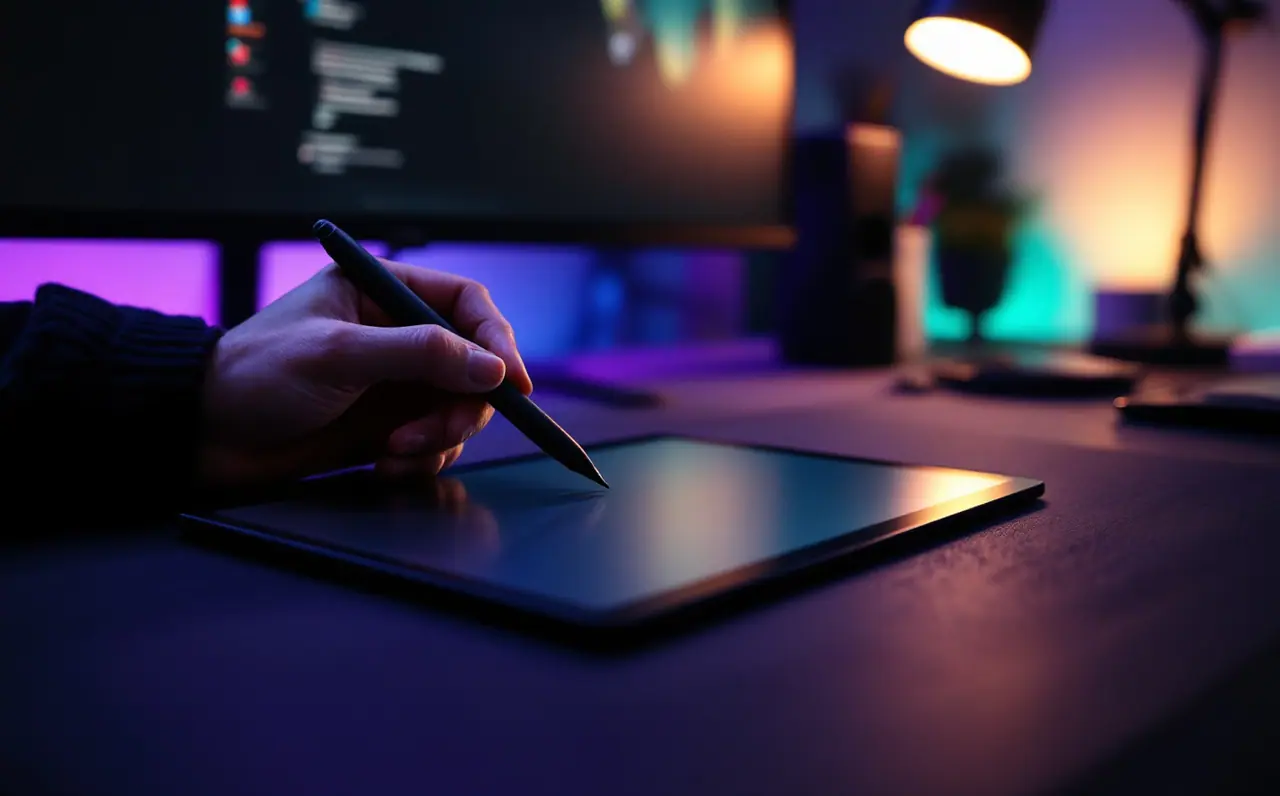

Setting up express keys and shortcuts you will actually use
A step-by-step way to map pen buttons, express keys and dials to undo, brush size, color picking and rotation, with per-app profiles and keyboard backups.
Open the piece →

Macagora is a meeting place for people who draw and paint on screens. We write about the tablets, styluses and apps you actually touch, and about the slow skills that make the hardware worth owning: line, value, color and a desk you can sit at for hours.
Three ways in
Most questions about digital art begin with a device. Somebody has a new pen tablet that feels like writing on a fridge door, or an iPad that draws beautifully until the battery dies on a train. Pick the shelf that matches your setup and the rest follows.

Screenless tablets, pen displays, nibs and drivers. What the spec sheet means once the pen is in your hand.
Browse pen tablets and displays →
iPads, Android tablets, styluses and the screen films that change how glass feels under a nib.
Browse drawing on the go →
Krita, Procreate, Clip Studio Paint and friends: the settings worth learning first and the ones you can ignore.
Browse apps that stay out of the way →How we look at gear
Size, pressure, tilt, driver support and where the thing will sit. We explain the trade-offs in plain words and say when the cheaper option is the better one.
Pressure curves, stabilizers, brushes, layers and blend modes. Settings that change how a line feels, written for people who would rather be drawing.
Canvas sizes for print, color profiles, exporting for the web, backups and choosing portfolio pieces. The boring part that protects the good part.
Macagora note A few links here go to Amazon. As an Amazon Associate I earn from qualifying purchases.
An agora was the open square where people met to trade ideas. This one is for sketches, settings and second opinions about pens. Bring your questions. Leave with a better line.
Fresh off the canvas
A step-by-step way to map pen buttons, express keys and dials to undo, brush size, color picking and rotation, with per-app profiles and keyboard backups.
Open the piece →Small daily targets, short warm-ups, a prompt list and a simple tracker: the mistakes I made keeping a sketch habit, and what to do after missing a few days.
Open the piece →Four books on light, color, composition and seeing that stay useful long after your painting app changes, and how to put each one to work at a tablet.
Open the piece →A ten-point desk check for digital artists: desk and chair height, tablet angle, mapping, gloves, light and breaks, with a worked desk height example.
Open the piece →How to turn a print size into pixels before you paint: the one formula, worked examples for 8 x 10 and A4, bleed, aspect ratios and what 300 DPI really means.
Open the piece →What calibration does for digital art, how a colorimeter works, which targets to pick for screen or print, and the limits no profile can fix.
Open the piece →